
Who's talking

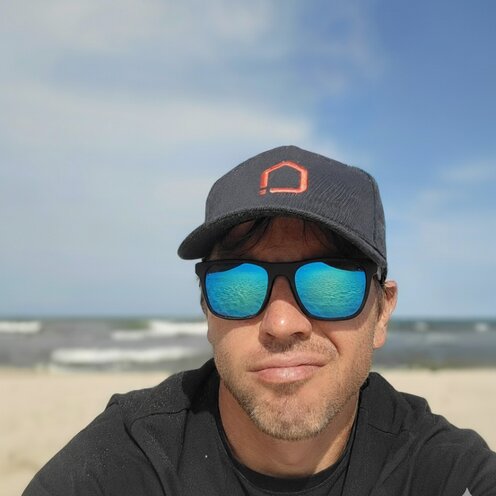
Mateusz Z.
Mateusz Zadorożny
Founder, SHIFT64 — WooCommerce Performance
2012 →
Started building with WordPress
2017 →
Focused on WooCommerce performance
By day
Lead e-commerce engineering at Merida.
SHIFT64 runs a BYOS - Bring Your Own Server model: clients own their dedicated infrastructure, I design and tune it. WooCommerce only, by preference.
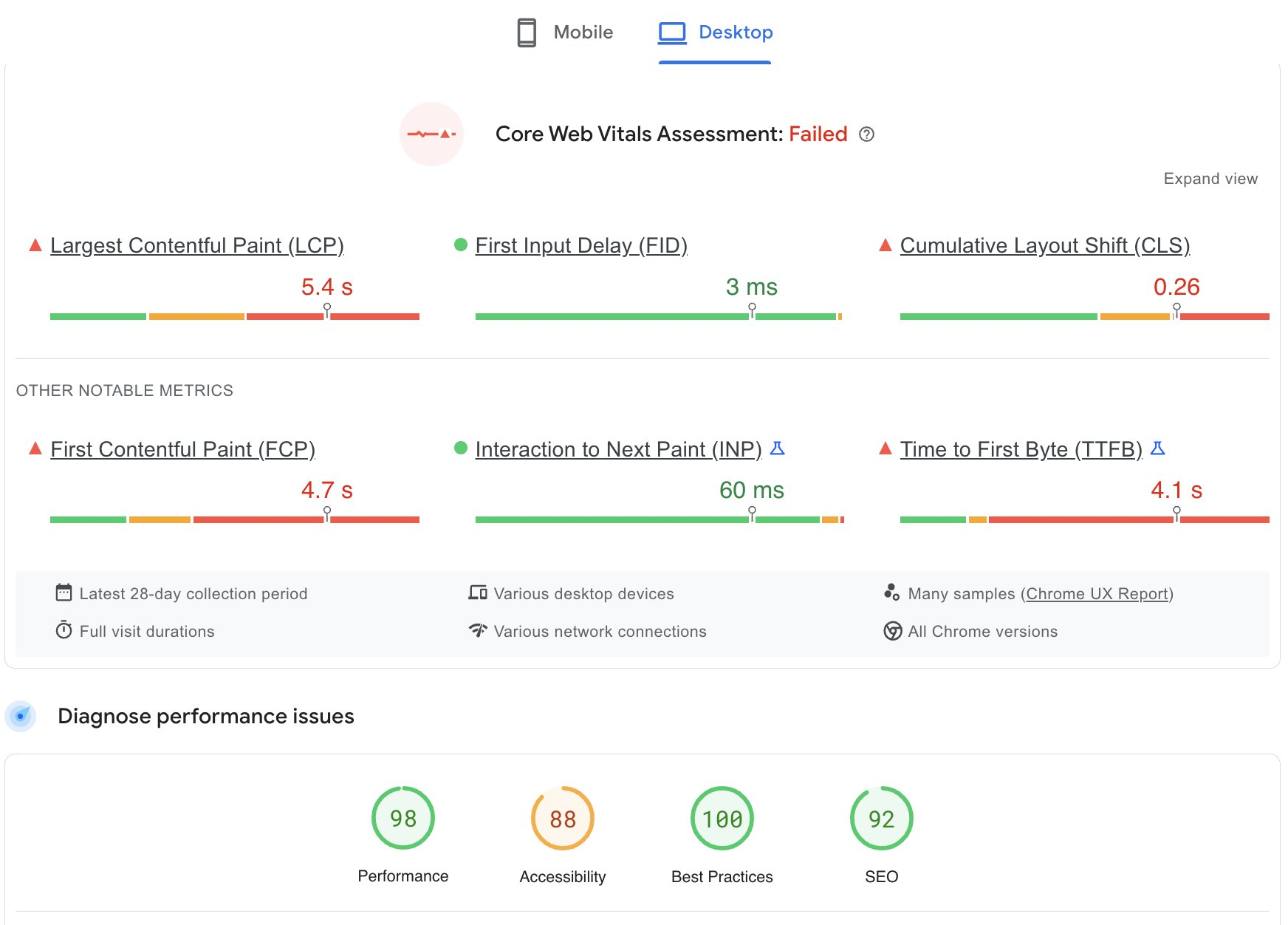
Perfect score.
Trashed store.
Trashed store.
Lab / PSI
98/100
Field / CrUX
FAILED
Live Woo store
Layer 02 · OPcache
A cache of compiled PHP bytecode.
The result of parsing your code, kept in memory.
✓ It is
Your compiled code, reused on every request instead of being re-parsed.
✕ It is not
Your data, your HTML, or your query results. Those need other layers.
Goodies
 Scan for the goodies
Scan for the goodies
Cookies: one unique cookie can fragment the cache per visitor.
Query parameter: every ?utm spins up a separate entry.
No URL normalizatio: /shop and /shop/ cached twice.
Free tool
 Edge Inspector
edge-inspector.zadorozny.rocks
Edge Inspector
edge-inspector.zadorozny.rocks
Edge Inspector
edge-inspector.zadorozny.rocks
PSI 98 · CWV failed
Back to the hook
?utm · ?fbclid
→
cache MISS
→
slow backend
→
CWV failed
strip · utm_*
strip · fbclid
strip · gclid
Strip marketing params before they reach the cache key.
Whitelist only params that change content - orderby, paged.
Normalize trailing slashes and casing so one page is one entry.
Goodies
Scan for the goodies
Scan for the goodies
01✓ServerFast single-tenant iron, tuned
02✓OPcacheCompiled bytecode, reset on deploy
03✓ObjectRedis backend, clean autoload
04✓PageServer-level, correct bypass
05✓EdgeStrip parameters, bypass state
Goodies
Scan for the goodies
Scan for the goodies
Stop fixing.
Start scaling.
Start scaling.
Connect
LinkedIn
/in/mateusz-zadorozny
Work together
Audit my store — BYOS
Bring your own server. WooCommerce performance, tuned end to end.
Goodies
Scan for the goodies
Scan for the goodies